
Don't buy a LinkedIn account. Rent a managed one.
If you searched for a LinkedIn account for sale, an aged LinkedIn profile, or a cheap way to buy a LinkedIn account, what you really need is sender capacity you can trust. This guide explains what you actually receive when you buy a profile, where those accounts tend to fail, and why renting a managed account works better for most outreach teams.
Quick answer
You can buy a LinkedIn account, but a credential handoff is fragile. You inherit history you cannot see, recovery access you may not control, and no safety layer once campaigns start.
Renting a managed account gives you the same sender capacity with setup, warmup, daily limits, replacement terms, and inbox routing handled for you. BriskReach calls this a Rep, and it costs $129 per Rep per month.
What a set-up profile looks like
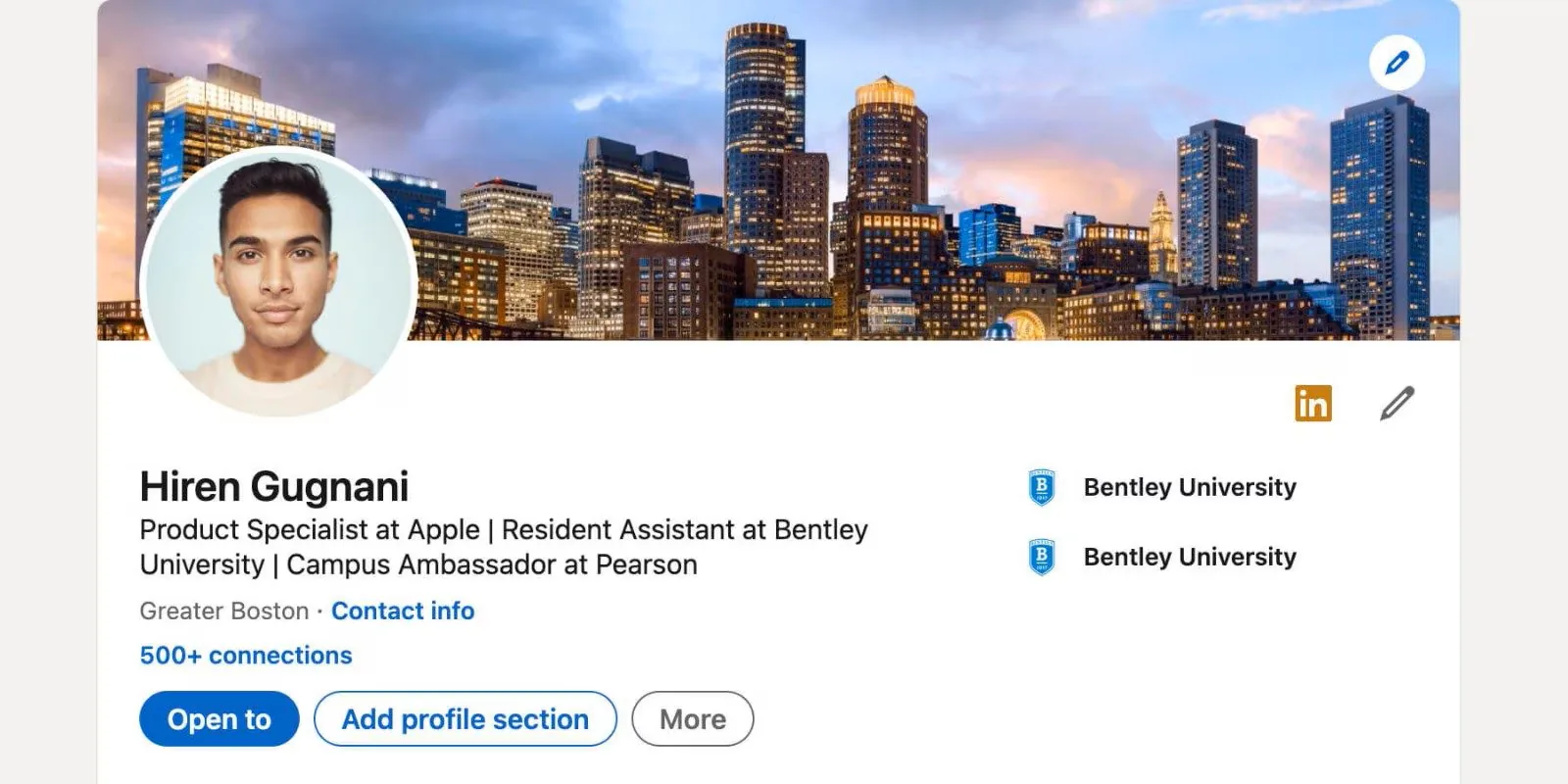
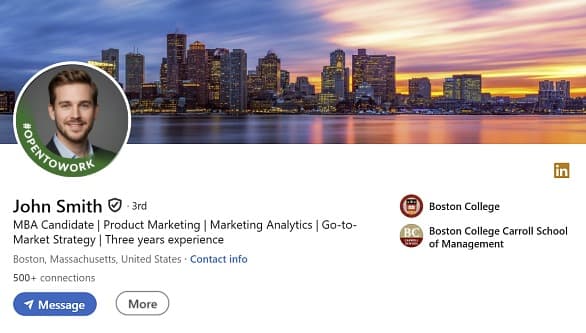
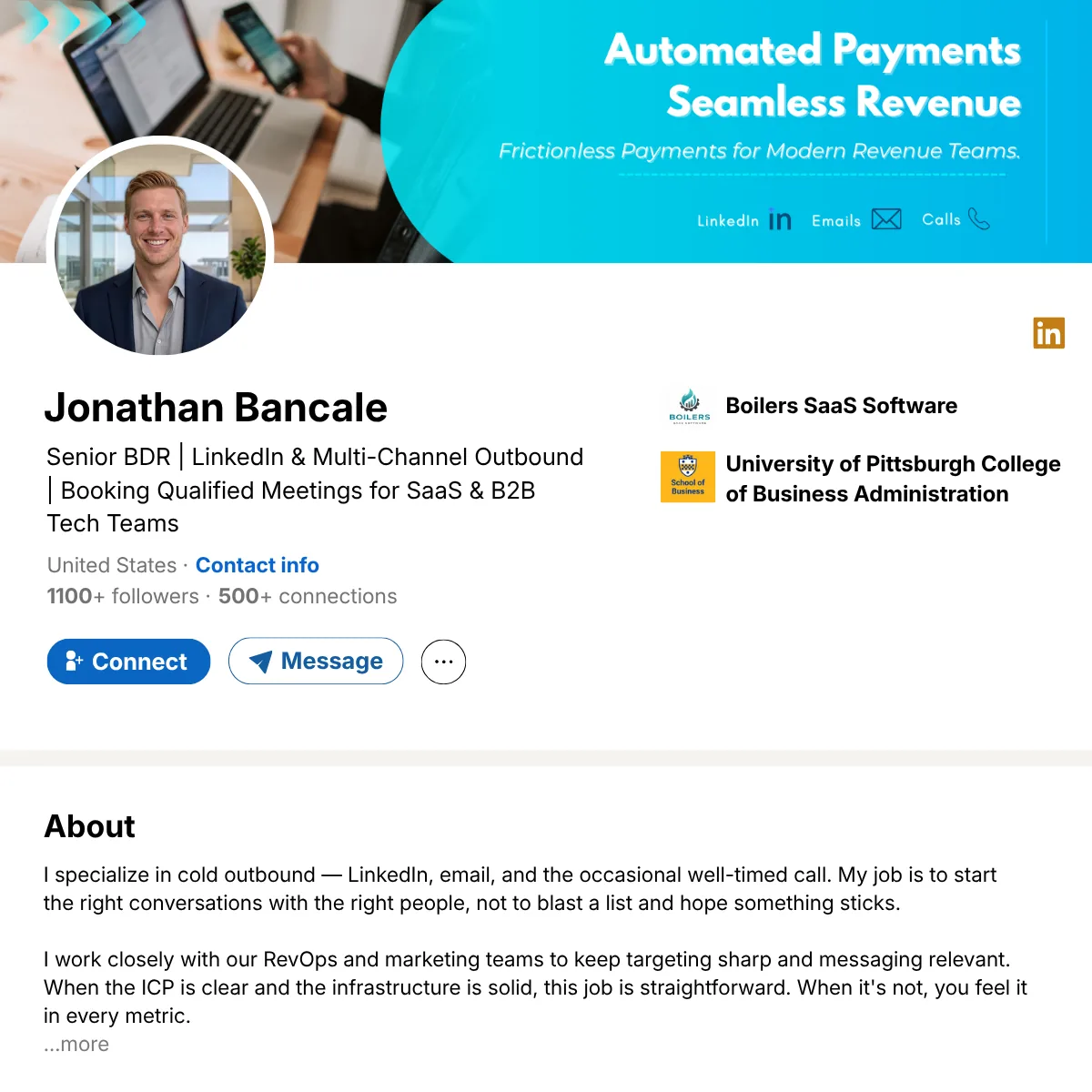
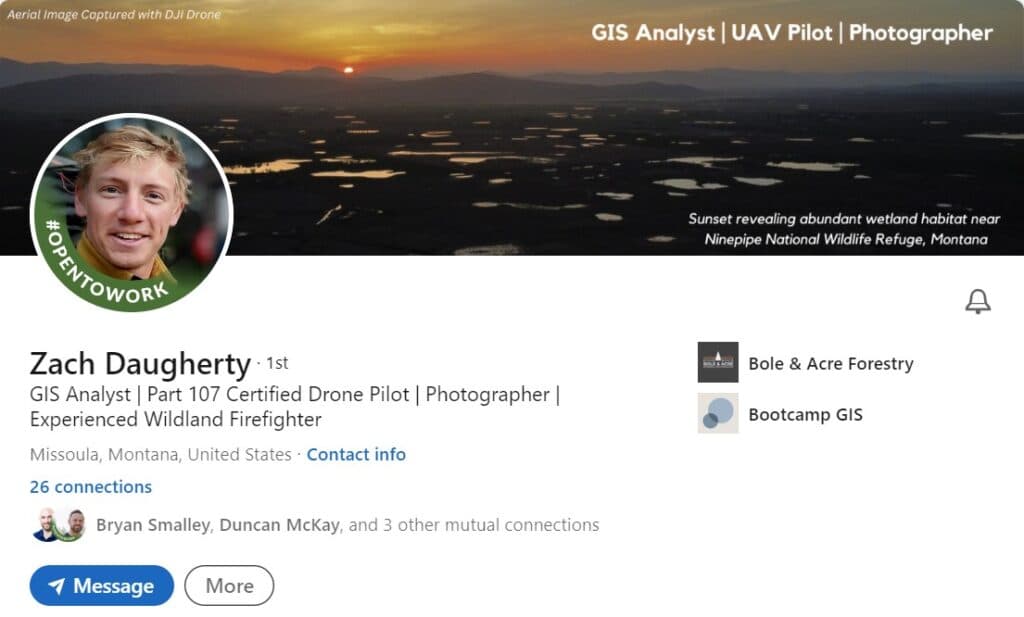
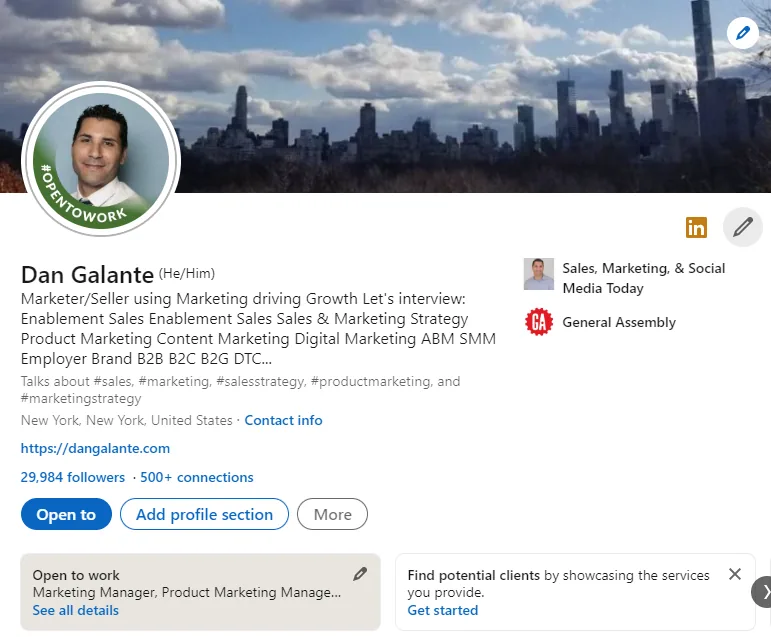
A credible profile has a real photo, a custom banner, a clear headline, and an established network. That setup is what outreach depends on, and it is what a managed Rep includes before the account sends a single message. These are examples of the kind of complete profile that work is built on.
Why people search to buy a LinkedIn account
Most buyers are not looking for a second identity. They need more outreach capacity without putting every cold invite on their own profile. A founder wants to keep a personal account clean for warm intros. An agency needs a separate sender for each client. A sales team wants one sender per rep or per region.
That goal is reasonable. The problem is the way the market answers it. A one-time purchase looks like the cheapest path, but the price you pay on day one is rarely the cost that matters.
What you actually get when you buy an account
A listing can say aged profile and still hand you very little. The parts that keep an account alive sit behind the login, and they are the parts a seller usually cannot transfer.
- Credential-only handoff. You often receive a username and password, not durable recovery access. The recovery email, phone, and ID can stay with the original owner.
- A history you cannot inspect. Past spam, automation, failed verifications, or earlier buyers can sit on a profile that looks complete.
- Lockout risk on the first campaign. A new device, a new IP, and new sending behavior can trigger a review before any replies arrive.
- No safety layer. A purchased account does not include warmup, daily caps, reply pause, sender routing, or a place to handle replies.
- No support. Many sellers disappear once the password is sent, so a lockout becomes your problem alone.
None of this shows up in the listing. It shows up after the account is live and the campaign is running.
Buying an account vs renting a managed Rep
The safer option is not just a profile. It is the control layer around the profile: recovery, setup, sending limits, and replacement.
| Factor | Buying an account | BriskReach Rep |
|---|---|---|
| Recovery access | Often unclear once the password is transferred. | Handled by BriskReach as part of the Rep delivery process. |
| Identity and verification | Phone, ID, and recovery email often stay with the seller. | Profile is set up and reviewed before launch, with no credential handoff to you. |
| Account history | You inherit prior usage, automation, and flags you cannot see. | Prepared for your brief, then warmed up before the first send. |
| Warmup | None. You send at full volume from a cold account. | Automated ramp from 1 to 10 invites a day before steady sending. |
| Sending safety | You bring your own tool and limits. | Working hours, daily caps, and 30s to 4min jitter built in. |
| Reply handling | Replies sit in the bought account, away from your stack. | Replies pause automation and route into the BriskReach inbox. |
| Replacement | Usually vague or seller dependent. | Eligible restrictions are handled under the Rep policy. |
| Support | Many sellers go quiet once the password is sent. | Ongoing support from BriskReach while the Rep is active. |
| Cost model | $40 to $150 once, with no guarantee it survives a campaign. | $129 per Rep per month, including setup, safety, and replacement. |
What makes a managed Rep hold up
A bought account sends cold from day one. A Rep runs on the same safety engine as your own seats, with the limits and timing that keep a sender alive.
1 to 10 / day
Warmup ramp
Invites build over 12 days before steady sending, capped by the account limit.
30s to 4min
Human-like jitter
Randomized delay between every action, inside working hours.
Auto pause
Reply detection
Sending stops for a lead the moment they reply.
7 days
Delivery window
Live in your workspace after paid checkout, with framing if we run late.
US, UK, EU
Regions by default
Other regions quoted on request before any work starts.
$129 / mo
Per Rep, flat
Includes setup, safety controls, inbox routing, and replacement.
What a BriskReach Rep is instead
A Rep is a managed LinkedIn profile prepared for outreach and operated inside BriskReach. You brief the persona, we prepare the account, and it runs with the same controls as your own seats. You get sender capacity without owning the recovery, setup, or safety problems yourself.
Every Rep includes:
- A managed LinkedIn profile delivered as a Rep
- Persona, headline, banner, and profile setup done for you
- United States, United Kingdom, and Western Europe locations by default
- Daily caps, warmup, working hours, and jitter
- A replacement policy for eligible restrictions
- Replies routed into the BriskReach inbox
What it really costs over time
A cheap profile sells for about $40 to $150 once. That number only holds if the account keeps working. If it locks before replies come in, you pay again in lost time, a new purchase, and a campaign that never got started.
A Rep is $129 per Rep per month. The price includes setup, warmup, daily limits, reply pause, inbox routing, and replacement handling for eligible restrictions. The better comparison is not the purchase price. It is how many useful outreach days you get before something breaks.
How a rented account goes live
- Brief. You share the persona, region, industry, tone, and use case.
- Setup. We build the profile assets, role, and headline, then run a readiness review.
- Delivery. The Rep is delivered to your workspace, with 7-day delivery framing after paid checkout.
- Controlled sending. Warmup, caps, jitter, reply pause, and inbox routing are ready before the account starts outreach.
FAQ
Questions about buying LinkedIn accounts.
Skip the marketplace handoff.
Rent a managed account with setup, safety controls, and inbox routing handled for you, instead of inheriting a profile you cannot inspect.