
Dripify alternative: BriskReach vs Dripify
Dripify and BriskReach both help with LinkedIn outreach, but they approach it differently. Dripify is a cloud-based platform with a visual campaign builder and basic safety controls. BriskReach is a safety-first hosted workspace with reply-aware pause, rented Reps, and a more comprehensive safety engine for agencies running both desks.
Quick verdict
Choose BriskReach if
- You want a safety engine with warmup curves and jitter.
- Reply detection that automatically pauses campaigns is essential.
- You need rented Reps for additional outbound profiles.
Choose Dripify if
- A visual drag-and-drop campaign builder is your preference.
- You are just getting started and want a simpler interface.
- Your team is already trained on Dripify's workflow.
What Dripify is good at
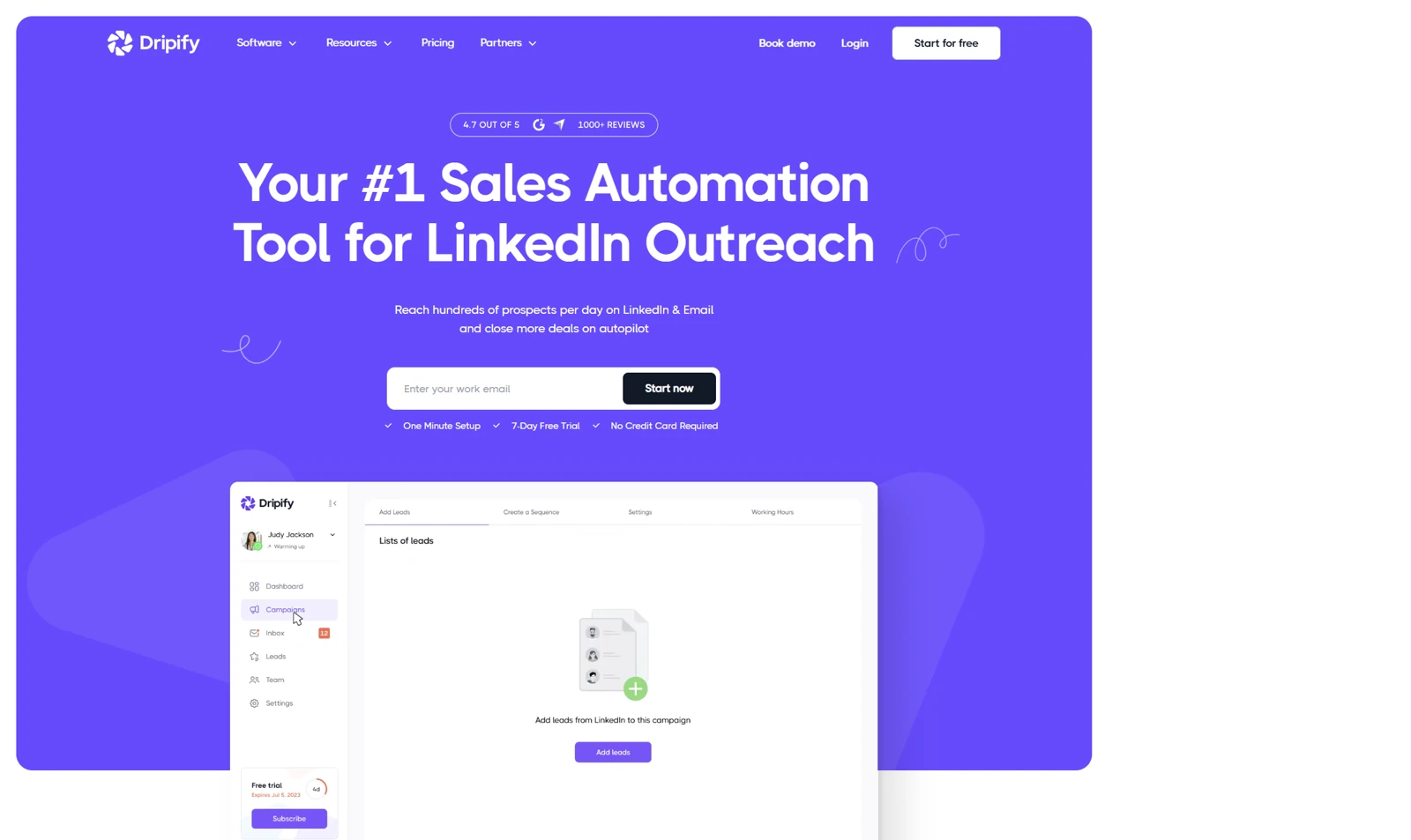
Dripify is built around a visual campaign builder that lets you map out outreach sequences on a drag-and-drop canvas. That makes it accessible for teams new to LinkedIn automation who prefer seeing the workflow laid out visually rather than configuring steps in a form.
That model works well for small teams getting started with LinkedIn outreach. It is especially relevant when you want a cloud-based tool without a browser extension and the visual builder helps your team understand the campaign flow at a glance.
Where BriskReach is different
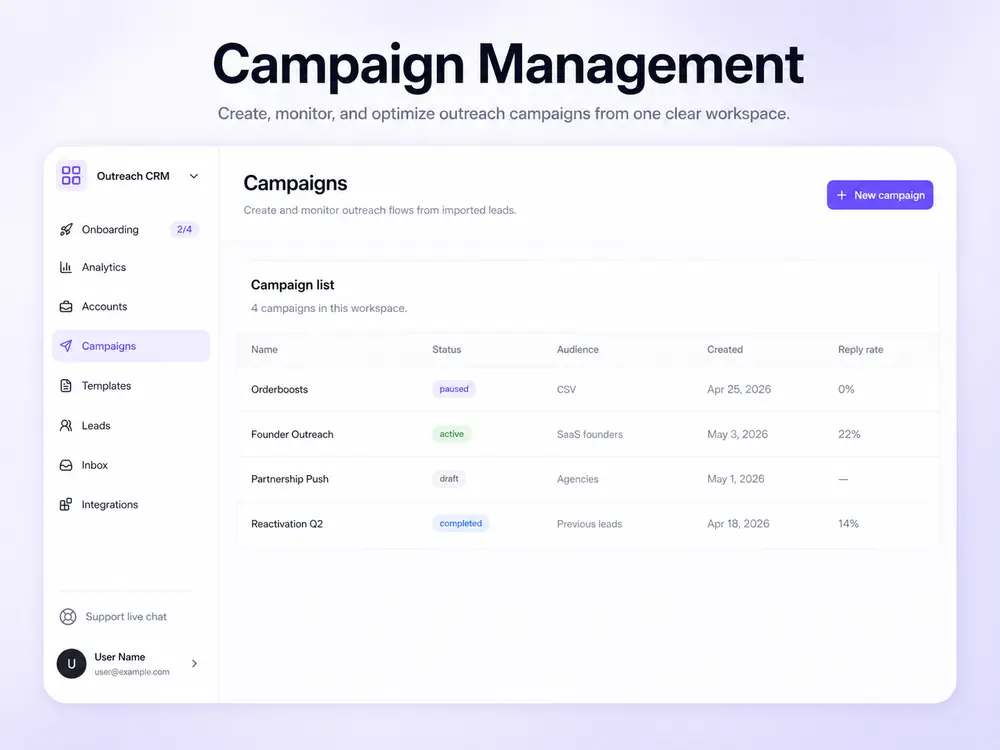
BriskReach is not trying to offer a visual drag-and-drop builder. It is built around the operational side of LinkedIn outreach: campaign safety, reply detection, inbox handoff, and team visibility — all at $39 per seat with a more comprehensive safety engine.
The practical difference shows up in safety. BriskReach has working hours, warmup curves, jitter delays, and hard daily caps that go beyond Dripify's basic daily limits. When a reply comes in, BriskReach pauses future automation and moves the conversation to the inbox for human handling.
Workflow comparison
| Area | BriskReach | Dripify |
|---|---|---|
| Main workflow | Hosted web workspace for leads, campaigns, safety, and inbox. | Cloud-based visual campaign builder with basic safety. |
| Best user | Teams that want reply-aware safety and rented Reps. | Small teams getting started with LinkedIn outreach. |
| Reply handling | Reply detection pauses future automation and moves work into the inbox. | Reply detection available with basic handling. |
| Safety controls | Published 12-day warmup ramp, daily caps, working hours, jitter delays, reply pause, and sender visibility. | Basic daily limits and safety controls. |
| Rented account add-on | Rented Reps available as a paid add-on with a 7-day SLA. | No rented, warmed account add-on is advertised. |
Feature comparison
| Feature | BriskReach | Dripify |
|---|---|---|
| Pricing (from) | $39/seat/mo | $59/seat/mo |
| LinkedIn connection requests | Yes | Yes |
| Follow-up messages | Yes | Yes |
| Reply detection | Yes | Yes |
| Unified inbox | Yes | Yes |
| CSV lead import | Yes | Yes |
| Safety engine / warmup | Yes | Yes |
| Account Warmup pre-outreach activity | Yes | No |
| Published warmup ramp & safety limits | Yes | No |
| Timezone controls | Yes | No |
| Daily send limits | Yes | Yes |
| Team workspaces | Yes | Partial |
| API / webhooks | Yes | No |
| Rented, warmed accounts available | Yes | No |
| 7-day rep SLA | Yes | No |
As of Apr 2026. Basic plan limits some features. Verify current pricing on Dripify before making decisions.
Pricing comparison
Dripify starts at $59 per seat, $20 more than BriskReach. Dripify's basic plan limits some features, while BriskReach keeps pricing transparent across all seats: $39 per seat, $20 for additional seats, and $129 for rented Reps.
BriskReach
$39
per seat / month
- Additional seats: $20/mo
- Reps: $129/mo
- 7-day seat trial
Dripify
$59
per seat / month
- Basic plan limits some features
- No free tier
- Free trial available
Pricing and features can change. Verify current Dripify pricing on its website before making a buying decision.
When Dripify is the better choice
Dripify is a sensible choice if a visual drag-and-drop campaign builder is important to your workflow, or if you are just getting started with LinkedIn outreach and want the simplest possible interface.
It is also a good fit when your team is already trained on Dripify's workflow and the switching cost does not justify the move. If the visual builder is your team's productivity driver, Dripify has a clear edge.
When BriskReach is the better alternative
BriskReach is the better fit when safety and reply handling matter more than a visual builder. That usually means a team that has outgrown basic daily limits and needs warmup curves, jitter delays, and automatic pause on reply.
The main reason to choose BriskReach over Dripify is the safety engine and pricing: $39 per seat with more comprehensive controls, plus rented Reps that Dripify does not offer. If you need the next layer of safety and scale, BriskReach has it built in.
Other Dripify alternatives
1. BriskReach
Teams wanting transparent pricing and reply-aware safety
$39/seat/mo
BriskReach is a LinkedIn outreach and CRM platform with reply-aware safety, clear per-seat pricing, and rented Rep capacity. Built for teams that want operational transparency.
Pros
- Lower hosted workspace pricing than many team tools
- Reply-aware safety engine with warmup
- Contracted human reps with 7-day SLA
Cons
- Newer product with smaller feature set
- G2 reviews still building
- Some CRM integrations planned
2. Aimfox
Agencies managing many client LinkedIn accounts
$49/seat/mo
Aimfox is a LinkedIn automation platform built for agencies. It offers multi-account management, team dashboards, and white-label options. Pricing starts at $49 per seat per month.
Pros
- Strong multi-account dashboard
- White-label options for agencies
- Built-in CRM features
Cons
- Higher starting price than BriskReach
- No free tier
- Setup can be complex for small teams
3. Expandi
Advanced users wanting hyper-personalization
$99/seat/mo
Expandi focuses on advanced personalization and image/GIF variables for LinkedIn outreach. It integrates with LinkedIn Sales Navigator and offers smart inbox features. Pricing starts at $99 per seat per month.
Pros
- Advanced personalization variables
- Image and GIF personalization
- Sales Navigator integration
Cons
- Highest price in the category
- Steeper learning curve
- No free tier
4. Octopus CRM
Solo users who want a low-cost browser extension workflow
$9.99/mo
Octopus CRM is a Chrome extension for LinkedIn automation. It supports connection requests, bulk messaging, profile visits, skill endorsements, campaign funnels, and CRM-style tracking from a browser workflow.
Pros
- Very low starting price
- Chrome extension workflow is familiar for solo users
- Supports visits, endorsements, and bulk first-degree messages
Cons
- Browser extension workflow is less suited to team operations
- Shared inbox and workspace controls are limited
- Advanced workflow and integration features require higher tiers
5. HeyReach
Agencies needing client reporting and team tools
$79/seat/mo
HeyReach is an agency-first LinkedIn outreach platform with client reporting, team management, and multi-account support. Pricing starts at $79 per seat per month.
Pros
- Client reporting dashboard
- Team collaboration features
- Multi-account support
Cons
- Higher price point
- Limited rep provisioning
- Smaller user base
FAQ
Dripify alternative questions.
Move from visual builder to safety-first outreach.
Import leads, connect one account, and keep campaign safety and reply handling visible from day one.
Disclosure: BriskReach is our product. We update this page quarterly.